
WhatsApp vs a Real Estate CRM: What Should a Property Dealer Use?
WhatsApp helps a dealer hold a conversation. A CRM helps the office remember its context and next step. Learn when to use each, what to record and which integration claims to check before choosing software.
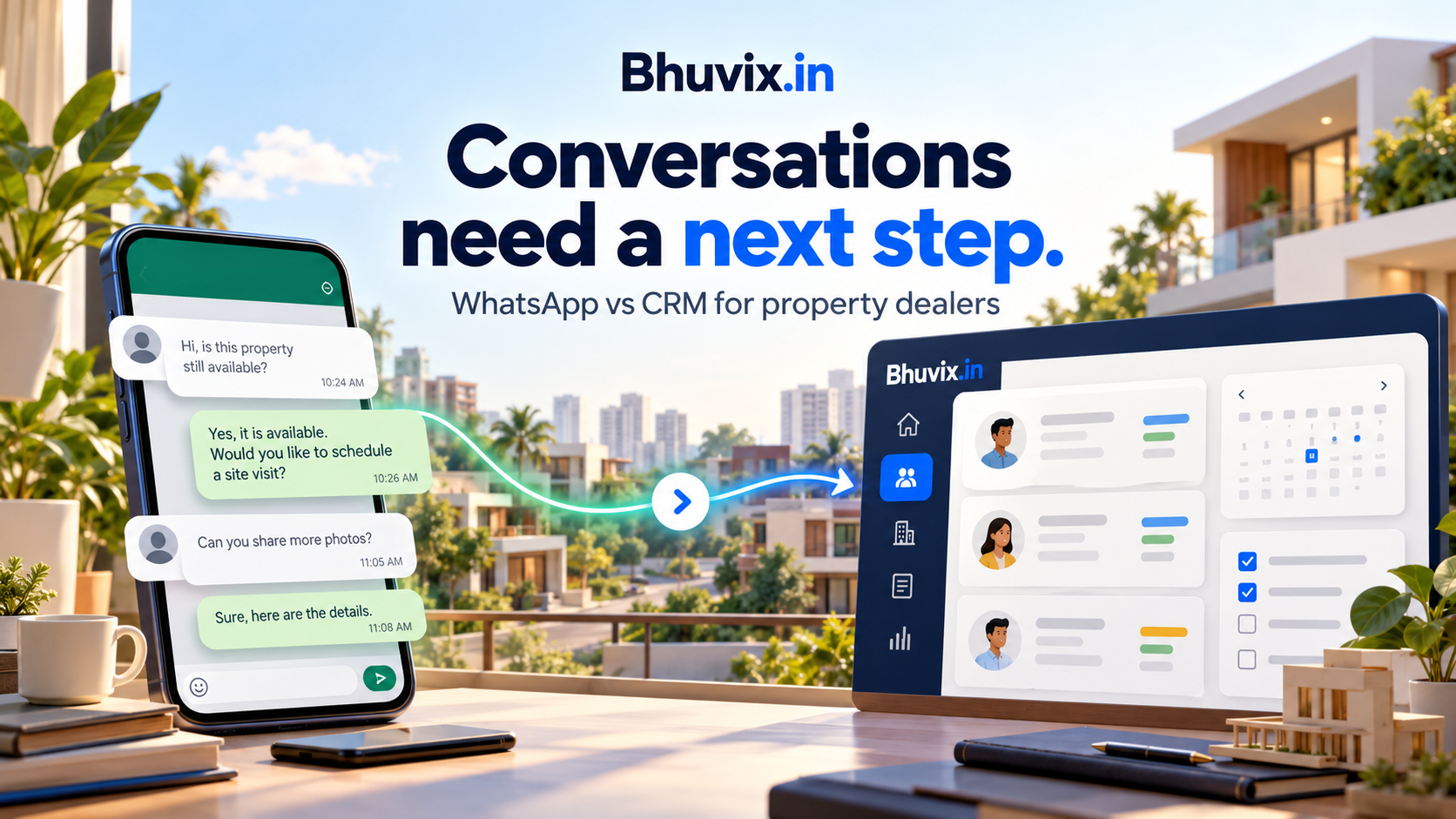
Many property conversations begin on WhatsApp. A buyer sends a location pin, a seller shares photographs and a family asks when they can visit. It is convenient because the other person is already there.
The difficulty appears later. You need to find the latest requirement, remember a promised call or explain to a teammate what happened. Scrolling through a conversation is not always the fastest way to run the office.
WhatsApp and a real estate CRM do different jobs: one is a conversation channel, while the other organises customer records and work. A dealer can use both without assuming that the CRM automatically reads or imports private chats.
What WhatsApp does well
It is useful for exchanging messages, agreeing appointment details and sharing permitted photographs or links. The conversation stays accessible to the people taking part.
But a message does not automatically become a dated follow-up, a buyer requirement or a property record. A team also needs to know who is responsible for continuing the conversation.
What the CRM adds
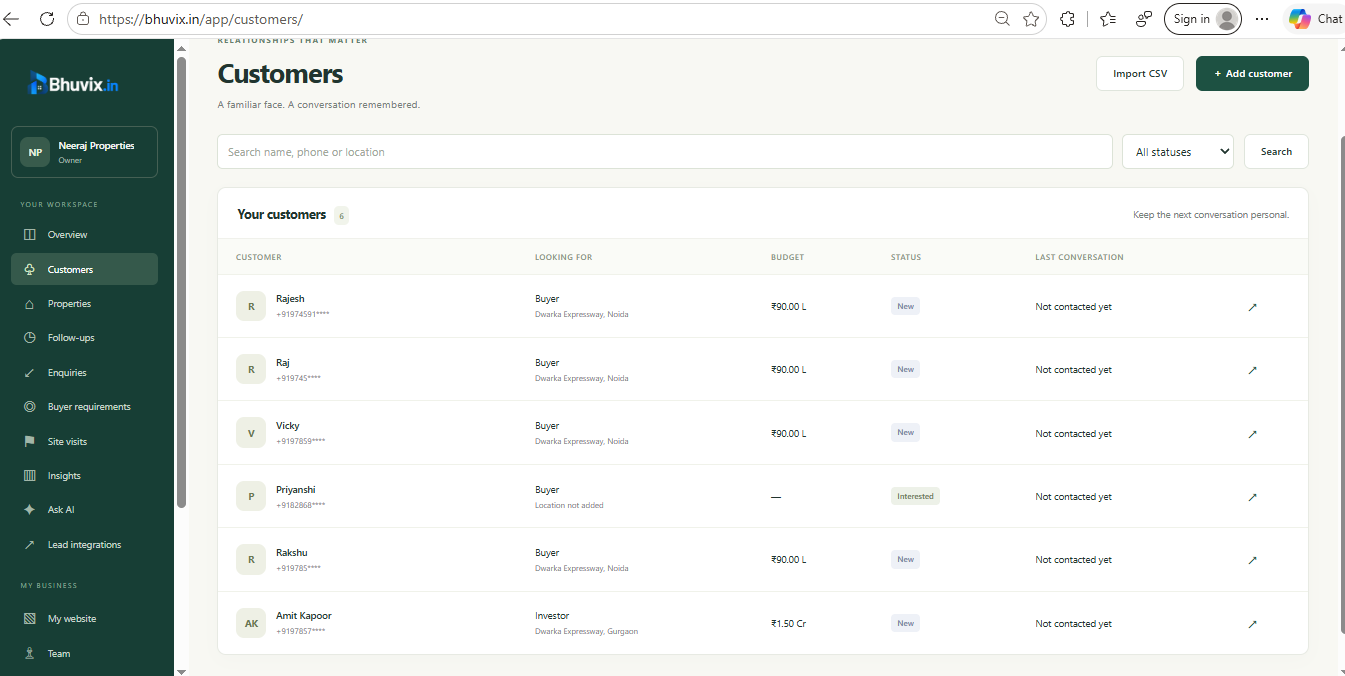
A customer record gives you a consistent place for contact details, enquiry history and discussions. A requirement describes what the buyer is looking for. A follow-up tells you the next action and its due time. A site visit connects the appointment to the customer and property.
These records make the office easier to navigate when you return to a customer after several weeks or when an authorised teammate needs the context.
A practical way to use both
Keep the conversation in the channel the customer prefers. After a meaningful exchange, record the business context you need in the CRM.
For example, in a fictional conversation, a buyer agrees to consider an apartment as well as a builder floor and asks for a call on Friday. Update the requirement and add the follow-up. You do not need to paste every message to preserve the important decision.
When sharing property options, check availability first and explain any compromises. A link to current inventory can be more useful than an old screenshot, provided the listing and public contact details have been reviewed.
Do not assume a WhatsApp button means full chat integration
A button that opens WhatsApp is different from a service that imports chat history, sends scheduled messages or manages a shared inbox. Check exactly what the product supports.
Bhuvix.in should not be described as automatically importing all WhatsApp conversations or broadcasting to customers without a supported, configured service. Its customer, discussion and follow-up records let you organise the business context separately.
Be thoughtful about customer information
Record information relevant to the property enquiry and the next action. Avoid copying identity documents, unrelated personal conversations or confidential details into a general discussion merely because they appeared in a chat.
Give teammates the access their roles require. Clear ownership and a shared process are useful; making every private conversation available to everyone is not a requirement for running an organised office.
Questions to ask when choosing software
- Can I find the customer and latest requirement quickly?
- Are discussions linked to that customer?
- Can I record and complete a dated follow-up?
- Does the visit record identify the property and customer?
- Can my team see responsibility clearly within their permitted access?
- What does any advertised WhatsApp integration actually do?
Common questions
Can WhatsApp replace a real estate CRM?
It can support conversations, but a dealer still needs a reliable method for tracking requirements, inventory, ownership and dated work. That may become difficult as the business grows.
Do I have to stop using WhatsApp if I use Bhuvix.in?
No. Use your preferred conversation channel and record the relevant business context and next step in the digital office.
Will a CRM automatically read my WhatsApp history?
Do not assume this. Chat import and message automation need specific product support and configuration.
See the product tour, read the follow-up routine guide or ask our team about your workflow.