Buyer Requirement Matching for Property Dealers: A Practical Guide
Finding the right property starts with a clear buyer requirement. Learn how location, alternative property types, budget, area and availability help a dealer build a useful shortlist, and what to check when no match appears.
A buyer asks for a three-bedroom home in Vasundhara. You have several properties nearby, but the first question is not how quickly you can send the photos. It is what the buyer means by ‘a suitable home’.
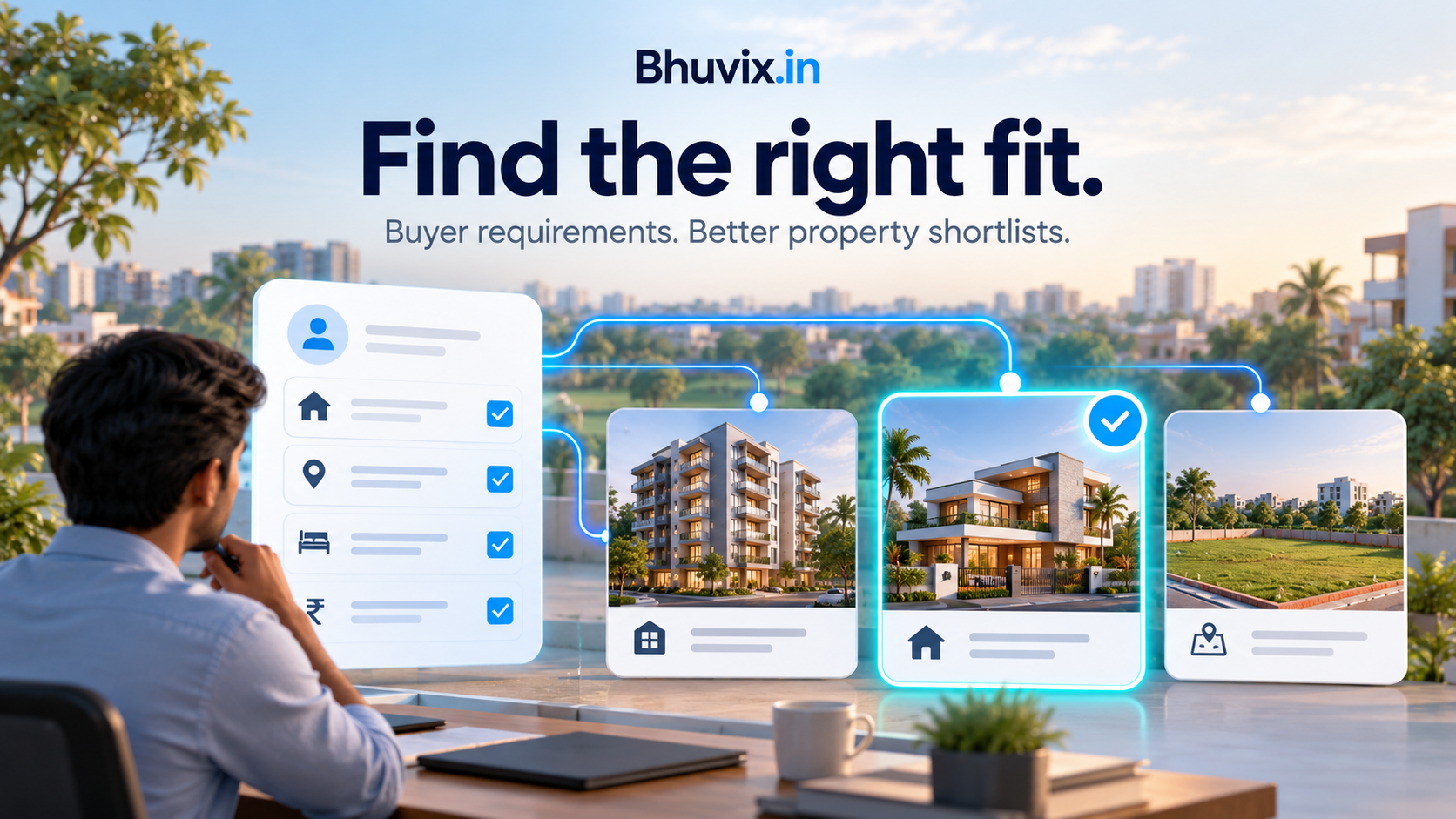
Buyer requirement matching compares the customer’s recorded preferences with your available property inventory. It helps narrow the options, but the dealer still needs to confirm the details and discuss the trade-offs with the buyer.
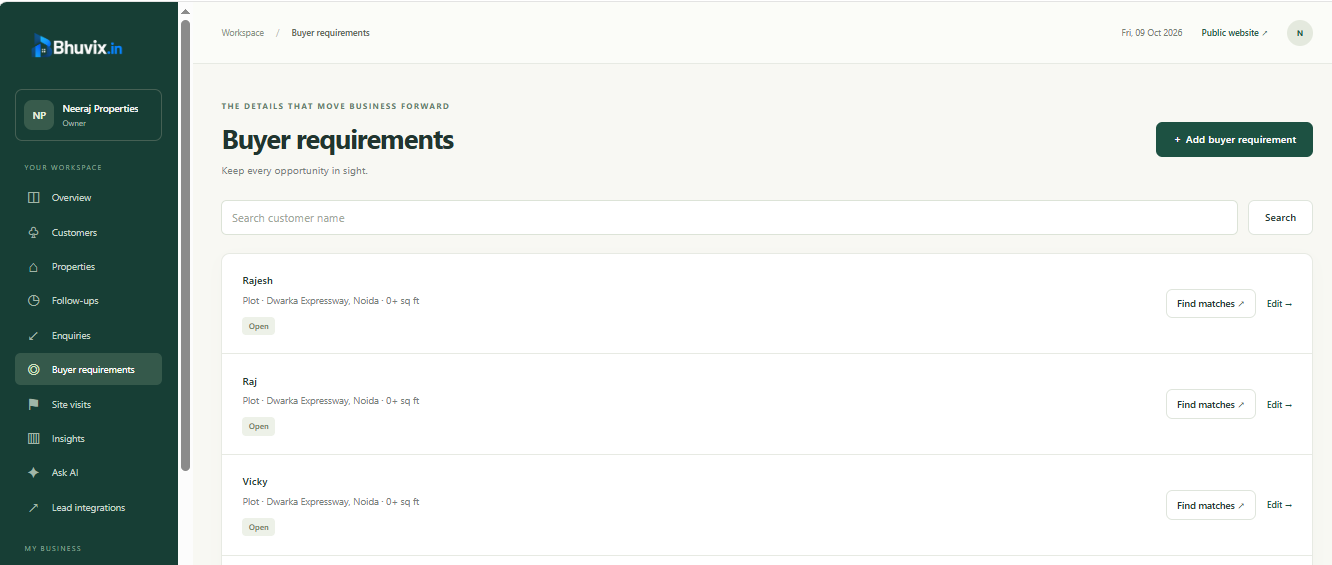
In Bhuvix.in, a requirement keeps those preferences together and provides a route to property matches when that feature is included in your access. The most useful result starts with careful input.
Separate preferences from must-haves
Before entering the requirement, ask which details are essential and which are flexible. The buyer may insist on a particular locality but accept either an apartment or a builder floor. Another buyer may accept several areas but have a firm budget ceiling.
Useful questions include:
- Is the customer buying or renting?
- Which localities or cities are acceptable?
- Which property types would they consider?
- What budget and area range should you use?
- How important are parking, furnishing and possession timing?
Record what the customer actually says. When a preference is unknown, clarify it rather than substituting an assumption that could exclude suitable inventory.
Keep location names consistent
Locations can be written in different ways. A typing mistake may make two records look like different places even when you intended the same locality.
The requirement form offers suggestions from available property locations, so you can choose a known locality or city. You can also enter a location that is not yet in the inventory. For more than one location, use the supported comma-separated format.
This is particularly useful when a buyer is comparing neighbouring areas. In a fictional example, a customer might accept ‘Vasundhara, Indirapuram’ rather than insisting on a single locality. The requirement should reflect that flexibility explicitly.
Location suggestions reduce typing inconsistencies. They are not a guarantee that differently named places are geographically equivalent or that the software has independently verified travel times.
Record alternative property types in one requirement
A customer can be open to more than one kind of property. In Bhuvix.in, the property type field accepts alternatives separated by commas, such as ‘Apartment, Builder Floor’ or ‘Villa, Plot’.
That allows one requirement to describe the choice without creating duplicate customer records. Use the actual types the buyer will consider; a very broad list can produce a shortlist that is less useful.
Bedrooms and property type also need to make sense together. A plot does not have bedrooms in the same way a finished home does, so do not interpret a bedroom preference as a requirement for rooms inside an empty plot.
Check budget and area together
A price within budget does not make a property suitable if it is far smaller than the customer needs. Enter the area unit clearly and keep the minimum and maximum meaningful.
Bhuvix.in’s requirement logic treats a zero upper budget or area bound as unrestricted, rather than as a maximum of zero. Use that only when the customer has genuinely not set an upper bound. If they have a firm limit, record it.
For area, confirm whether a quoted figure refers to the measurement the customer expects. A conversion between units does not automatically make carpet area and built-up area interchangeable. The dealer should explain what the listing’s area represents.
Compare matches, then discuss the compromises
Open the property matches from the requirement or customer page. Review the listing details before sharing a shortlist: transaction type, location, property type, price, bedrooms, area and the recorded preferences can affect the comparison.
Exact and close alternatives should be read according to their labels. A close option is a reason to have a conversation, not evidence that it meets every must-have.
For example, tell the customer if an option is in a different locality or lacks the parking they requested. Sending it without that explanation creates confusion and wastes both people’s time.
What to check when no properties match
Work through the data before concluding that the matching function is wrong.
- Confirm that the property is marked available or under negotiation, rather than draft, sold or unavailable.
- Check buy versus rent on both the listing and the requirement.
- Check locality spelling and the accepted location list.
- Review alternative property types, bedrooms, budget and area units.
- Check furnishing, parking and possession preferences for unnecessary restrictions.
- Confirm that you are working in the correct business workspace.
Do not loosen the requirement simply to produce results. First ask the customer which preference they are willing to change. A truthful empty shortlist is better than presenting unsuitable properties as a good fit.
Common questions
What is buyer requirement matching?
It is the comparison of recorded buyer preferences against property inventory to identify suitable options and clearly labelled alternatives. It supports a dealer’s shortlist and does not replace a conversation with the buyer.
Can a requirement include both a floor and a plot?
Yes. Use comma-separated alternatives in the property type field. Review the other preferences so they make sense for each type.
Can I enter a location that has no property yet?
Yes. Suggestions help with existing locations, but the requirement can also record a new locality or city. A requirement does not create inventory automatically.
Is every close match an exact match?
No. Review its label and explain any differences to the customer before sharing or arranging a visit.
See buyer requirements in the product tour, check current plan access, or request a walkthrough. Once you have agreed a shortlist, use a clear follow-up routine to keep the next action visible.