
Property Inventory Management for Brokers: Keep Website Listings Current
A property website is useful only when its listings reflect your actual inventory. Build a practical routine for prices, availability, photos and publication so your team and your public dealer website work from current records.
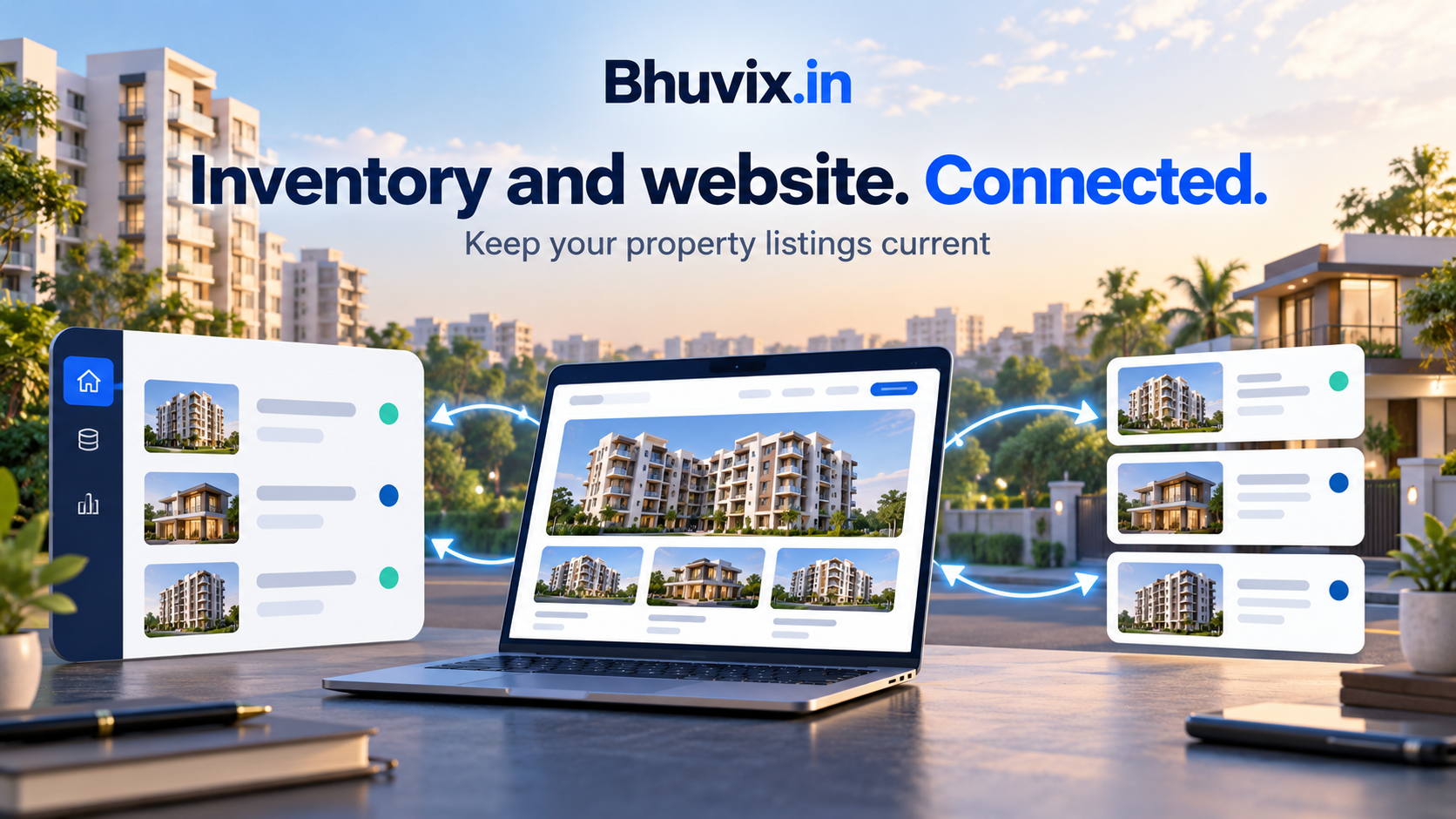
The enquiry sounds promising until you realise that the property was sold last week. The customer saw it on your website because nobody updated the listing. You now have to explain an avoidable mistake before the conversation has properly started.
Property inventory management gives a broker one current record of each property’s price, details and availability. Connecting that record to the dealer website reduces duplicate updating work, but the records still need an owner and a maintenance routine.
Bhuvix.in combines property inventory with customers, requirements, follow-ups and an eligible public dealer website. Here is how to make that connection useful in everyday work.
Give every property a clear identity
Use a property code that your team can recognise. A title such as ‘Three-bedroom builder floor in Vasundhara’ helps a customer understand the option; the code helps your office distinguish it from another floor in the same locality.
Record the essentials carefully: sale or rent, property type, locality, city, area and unit, price, furnishing, parking and possession information. Check that photographs belong to that exact listing.
A property record should not depend on one teammate remembering which building a photo came from. Clear identifiers are useful when discussing an enquiry, scheduling a visit or reviewing a customer shortlist.
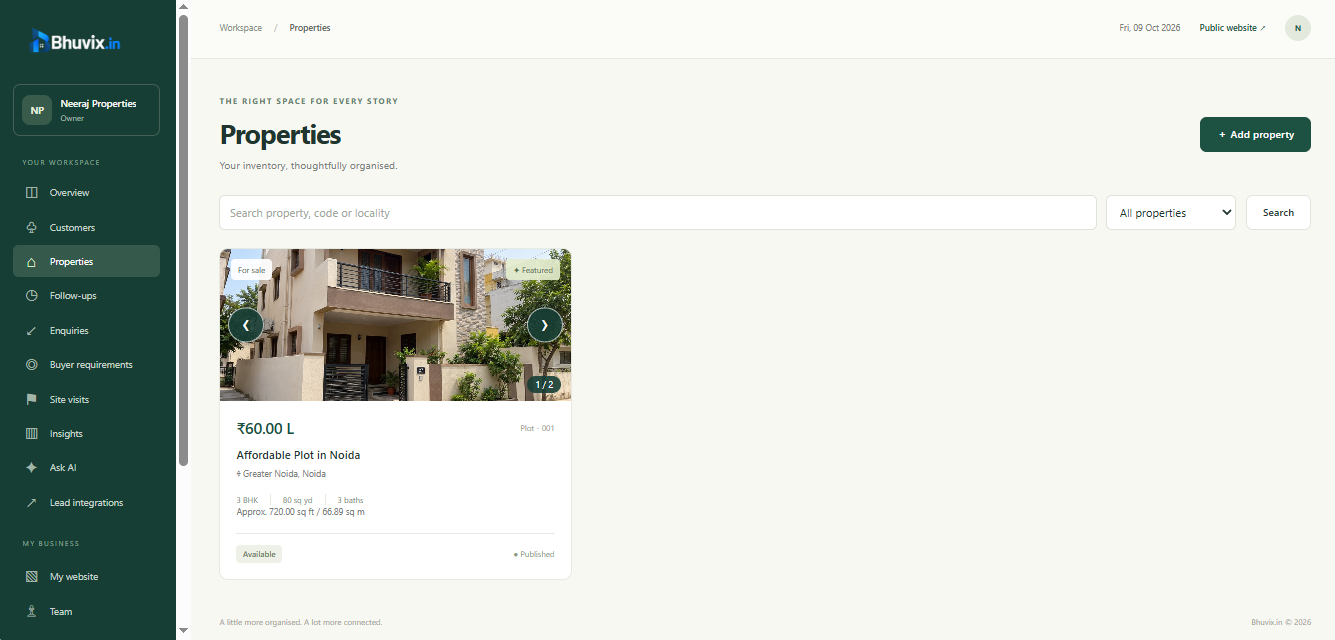
Separate inventory from publication
A property can be useful to your office before you are ready to put it on the website. You may still be confirming the price or getting suitable photographs.
Bhuvix.in keeps availability and publication as separate decisions. A listing needs an eligible active status and publication setting before it can appear as public inventory on the dealer website. A draft or unavailable record is not the same as a public listing.
This gives you a sensible review step. Confirm the facts and the permission to use the photos, then decide what is appropriate to publish. Do not put private owner notes or customer details into public listing text.
Keep prices and availability current at the source
The connected dealer website uses the property record, so you do not need to maintain an independent copy of the same listing just for the website.
That saves duplicate work, but it does not verify the facts for you. When a seller changes the asking price, update the record after confirming it. When a property is sold, rented or no longer available, update the status promptly.
A connected system can publish the status you record. It cannot know about a transaction that your office has not entered. Make it clear who is responsible for each update and when the team should check availability again.
Review the public view, not only the form
Before sharing the dealer website, open the listing as a visitor would. Check that the title makes sense, the location is correct, the price is current and the images load.
Use photos that help someone understand the space. A clear living-room photo, relevant bedrooms and a useful exterior view tell a buyer more than several nearly identical images. Avoid pictures that expose personal documents or information you do not have permission to publish.
The public website also needs accurate business contact details. Your business email and phone are public contact information; they are separate from an individual user’s login email.
Use buyer enquiries to improve your records
When several buyers ask a question that the listing does not answer, check whether the property record should be clearer. Typical examples are the area measurement, parking arrangement, furnishing condition or possession timing.
Keep the customer’s preference in their requirement and the property’s facts in the inventory. Mixing the two can make a single listing look different depending on which conversation you remember.
A well-maintained inventory also makes requirement matching more useful. An incorrect property type, location or area can exclude an option that would otherwise fit.
Read the buyer requirement matching guide for a practical checklist.
Make a small inventory review part of the week
You do not need to rewrite every listing each day. Give changing information more frequent attention than stable details.
A weekly review can cover:
- Listings whose availability has not been reconfirmed.
- Price changes discussed with owners.
- Sold, rented or unavailable properties that need a status update.
- Listings with missing, unclear or outdated photographs.
- Drafts that are ready for review and possible publication.
- Buyer questions that show a gap in the listing information.
For dealers handling properties across Ghaziabad, Noida or other Indian cities, consistent locality names and property codes become especially useful. This is a workflow example, not a claim that Bhuvix.in owns inventory or operates a brokerage office in those cities.
Check access before promising a particular website address
Current public plan details explain website access, active property limits and other included features. A public dealer website and a branded subdomain are distinct benefits. Do not assume that every plan includes the same address options.
Review current plans rather than relying on a price or limit copied into an old brochure. If you need a different allowance, discuss the requirement with the platform team.
Common questions
Do I need to update a property separately on the dealer website?
Bhuvix.in’s connected dealer website reads the inventory record. Update the property facts and status at the source, and check the public view after important changes.
Will every property I add become public?
No. Availability, publication and website access determine public visibility. Review the listing before publishing it.
Can I keep a sold property record for office history?
The inventory status distinguishes sold or unavailable properties from active listings. Maintaining history and keeping public inventory current are separate goals.
Does the website connection verify the seller’s price automatically?
No. Your office needs to confirm the facts and update the record. A connected website reflects recorded information.
Explore property listings in the product tour, learn about the CRM and website connection, or request help setting up your digital office.