Real Estate CRM with a Website in India: Your Property Business in One Place
Your website, property inventory and customer follow-ups should work together. Explore how Bhuvix.in brings listings, buyer requirements, leads, site visits and team activity into one digital office for property dealers in India.
A buyer calls while you are travelling to a site visit. They want a three-bedroom floor, but they would also consider a plot. You remember two suitable properties. The photographs are somewhere in WhatsApp, the prices are in a notebook, and your colleague knows whether either property is still available.
You tell the buyer you will call back.
There is nothing unusual about this situation. Property dealing involves conversations, changing requirements, shared inventory and plenty of follow-ups. The difficulty starts when every part of that work lives in a different place.
That is why choosing a real estate CRM with a website in India should be about more than storing phone numbers. Your software should connect the work you do inside your office with the properties people see outside it.
Bhuvix.in brings those pieces together in a digital office for property dealers and brokers.
Why a website alone does not solve the problem
A business website gives prospective buyers a place to learn about you and explore your properties. But a website can become another task if you have to maintain its listings separately.
You update a property price in your office records, then ask someone to change the website. A listing becomes unavailable, but its old details remain online. You add new inventory to your spreadsheet and forget to publish it.
Meanwhile, a customer contacts you about a property you are no longer offering.
The issue is the gap between your working inventory and your public website.
A connected system helps close that gap. The property details you manage for your business can also support the listings you choose to publish.
How automatic inventory updates work on your dealer website
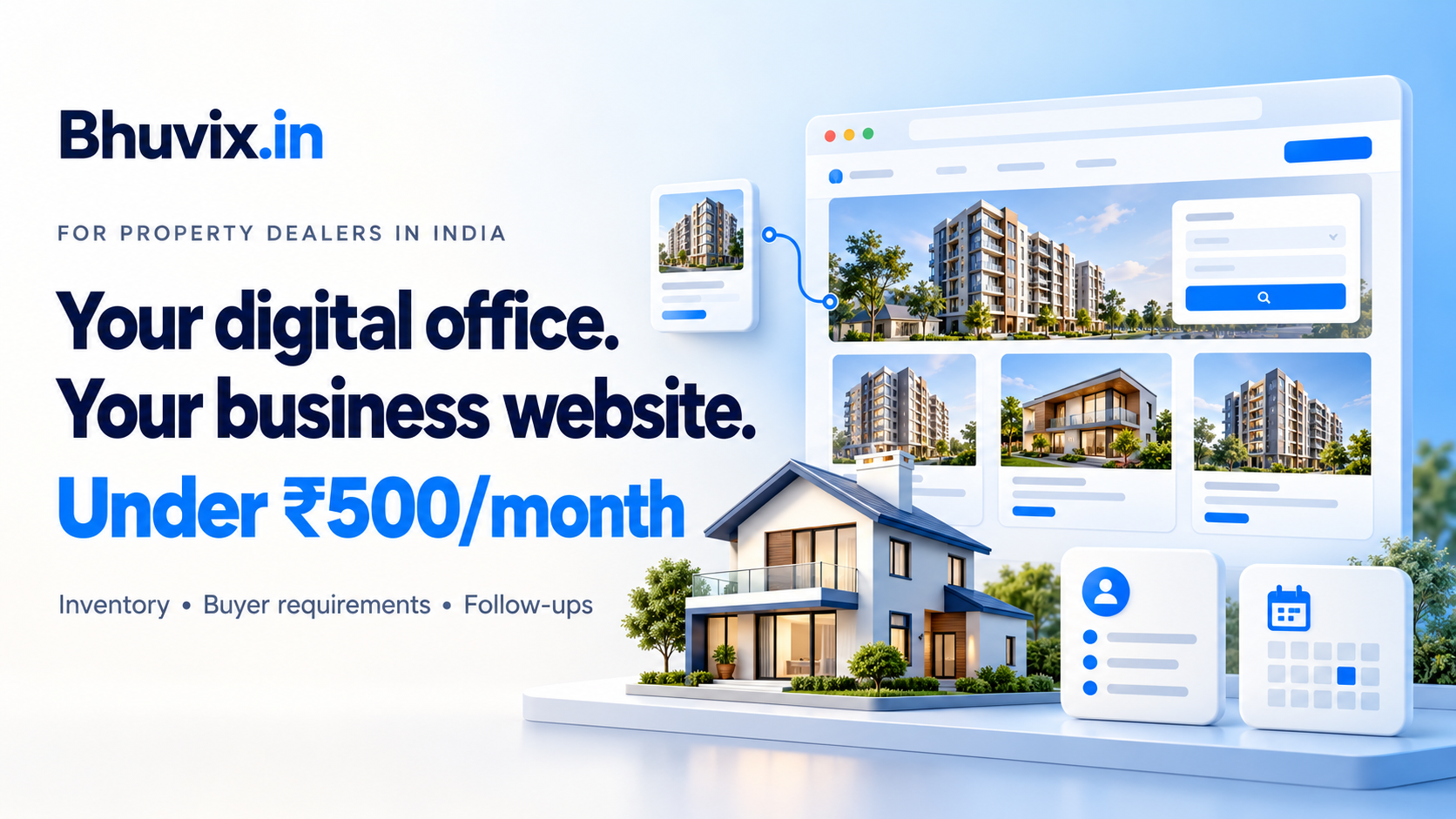
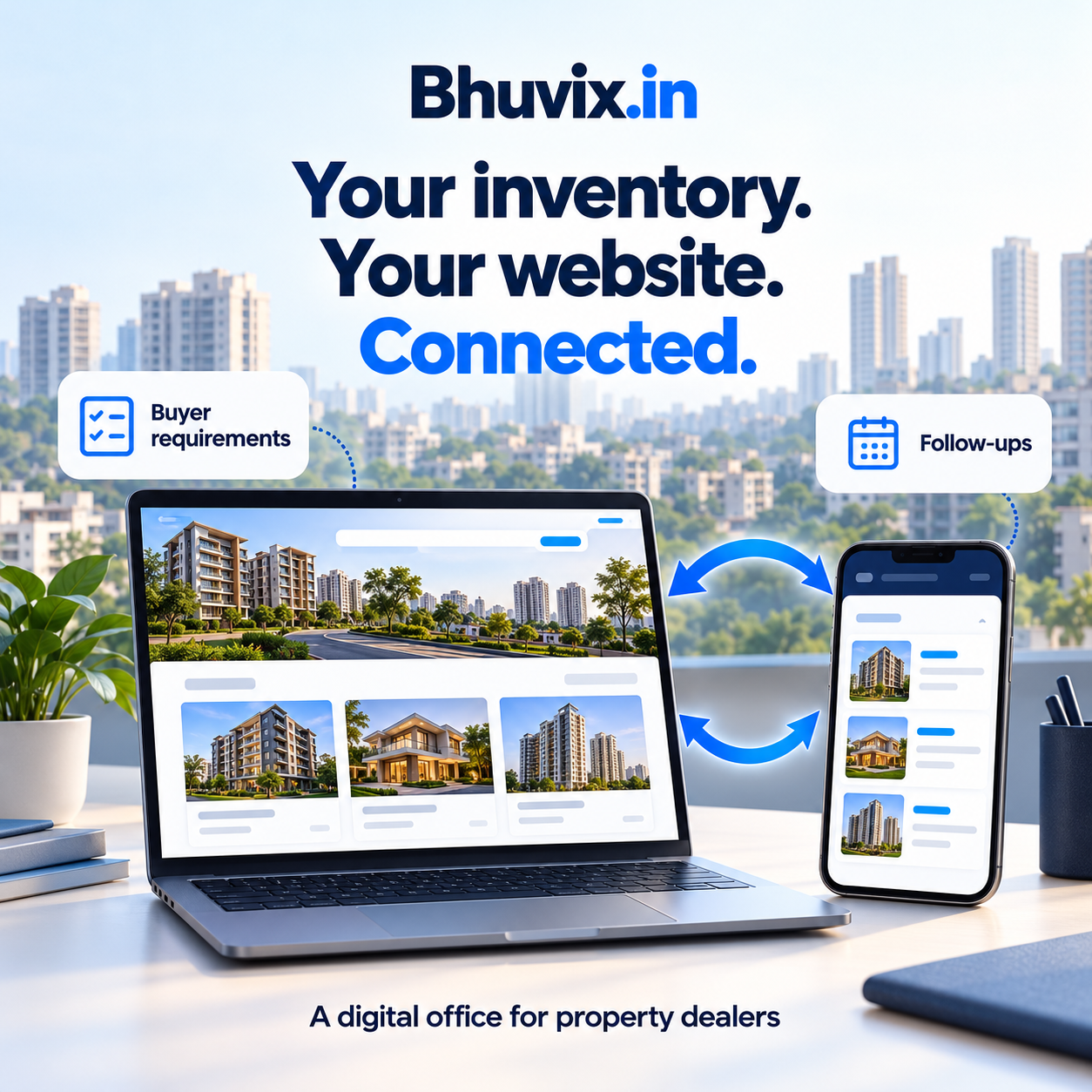
In Bhuvix.in, your property inventory and dealer website use the same underlying property records.
You add a property, maintain its details and choose whether to publish it. On eligible plans, selected active, published properties appear on your public dealer website.
When you update a published property's details, you maintain the same record used for its public listing. You do not need to recreate that listing in a separate website inventory.
For a dealer looking for a property dealer CRM with automatic website inventory sync in India, this is the practical benefit: less duplicate work and a clearer connection between your office records and your online presence.
You remain in control of what visitors can see. Adding a property to your private inventory does not mean every record should automatically become public.
This connection applies to your Bhuvix.in dealer website. Publishing listings to external property portals is a separate process.
Keep buyer requirements beside your available properties
A customer's requirement rarely fits into one simple label.
Someone may prefer a builder floor but be open to a villa. Another buyer may consider a plot in either of two localities. A family may have a fixed budget but flexibility on possession or furnishing.
Recording only “interested in property” loses the details that make a follow-up useful.
Bhuvix.in lets dealers record buyer requirements, including alternative property types and multiple preferred locations. Budget, bedrooms, area and other preferences help describe what the customer is looking for.
Available inventory can then be checked against those recorded preferences.
Consider a buyer who is interested in a floor or plot in two nearby localities. Keeping both options in the requirement gives you a better starting point than remembering only the first property type mentioned during the call.
Matching still depends on the details entered. Accurate locations, prices and property information help produce more useful results.
Give every enquiry a next step
A new lead is easy to notice. An older lead waiting for a callback is easier to forget.
The buyer who asked you to call after the weekend may still be interested. The customer who completed a site visit may be waiting for an answer about the price. A landlord may have new inventory to discuss.
These conversations need a next step, not just a saved contact.
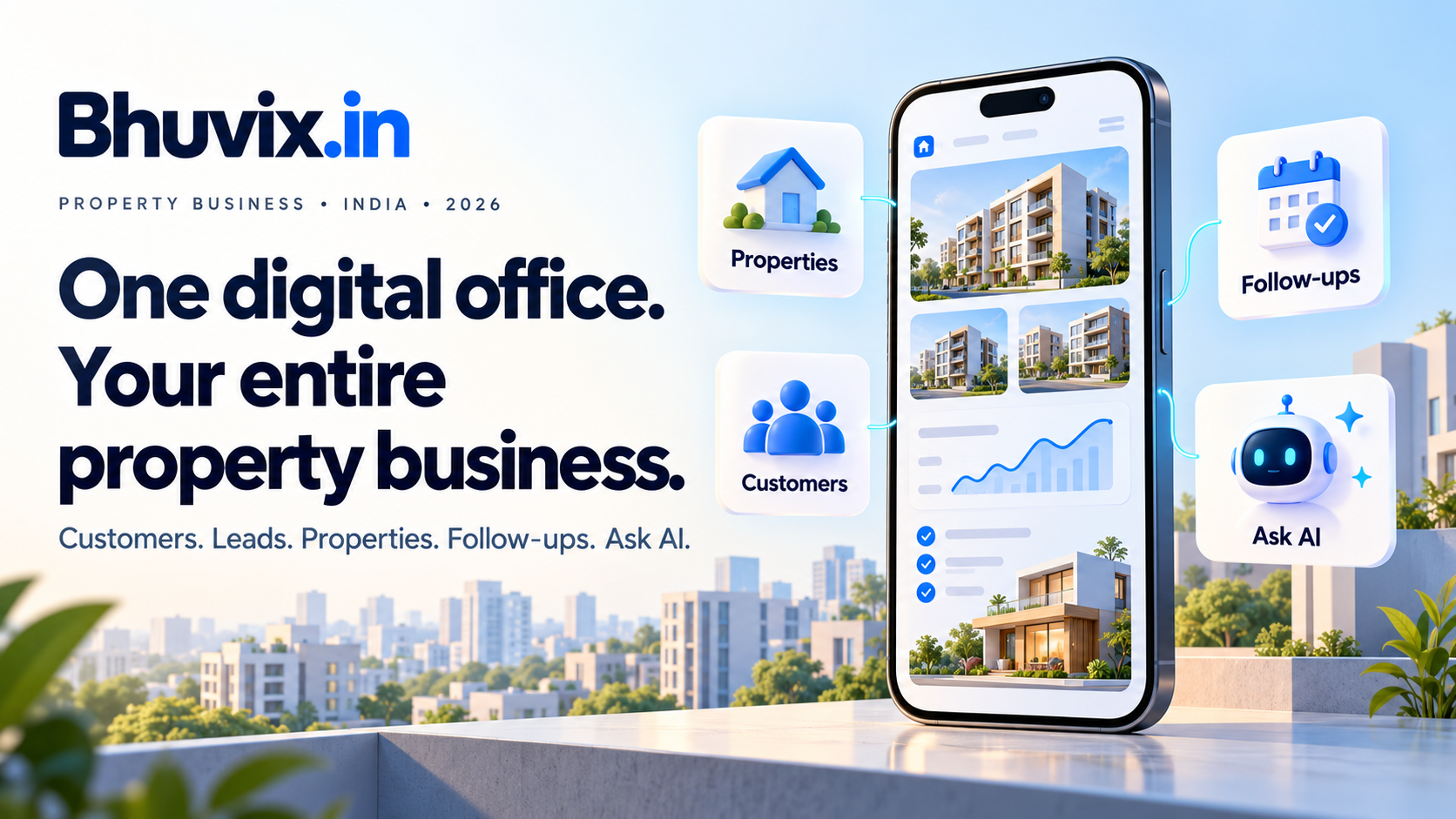
With customers, leads, follow-ups and site visits in one workspace, you can keep track of what needs attention and return to the relevant record when you continue a conversation.
This is where digital office software becomes useful in everyday work. You can move from understanding a requirement to checking properties, arranging a visit and recording the next follow-up without relying on several disconnected lists.
It does not replace your relationship with the customer. It helps you remember the work around that relationship.
Make shared work easier to follow
Once more than one person handles enquiries, another question appears: who is responsible for this customer?
Without a clear assignment, two people may call the same lead while another enquiry receives no response.
Bhuvix.in supports team roles and customer assignment. Eligible teams can configure automatic lead assignment using round robin or least lead count, and manually reassign a customer when responsibility changes.
That gives your team a clearer starting point. A new enquiry has someone responsible for it, while the owner can review activity and workload.
Team capacity and feature access depend on your configured plan and permissions. Choose those around how your business works, including room for additional members when needed.
Use business insights and Ask AI to understand your work
Keeping records in one place also makes it easier to review them.
Which lead sources are contributing enquiries? What needs a follow-up? How is work distributed across the team?
Business insights help you examine recorded activity. Ask AI provides a conversational way to ask supported questions about business data you are permitted to access, subject to your plan and configuration.
You might ask about leads received this month or recent team activity rather than opening several screens to find the starting point.
AI answers should support your review. Check important figures and decisions against the underlying records.
A digital office you can carry between appointments
Property dealers do a large part of their work away from a desk.
You may need to check a requirement from a car, review a listing before a meeting or record a follow-up after showing a property.
Bhuvix.in is a browser-based platform with a mobile-friendly interface. Its purpose is to keep your website, inventory and daily business work accessible in one place.
Think of a typical enquiry:
- Record the customer and what they need.
- Check available properties against the requirement.
- Share suitable published listings.
- Arrange and record a site visit.
- Set the next follow-up.
- Keep the responsible team member clear.
That connected workflow is what we mean by a digital office for property dealers in India.
What should you check before choosing a platform?
Whether you call it a real estate CRM, broker office management software or a property dealer digital office, look beyond the feature names.
Ask whether you can maintain one inventory, control your public listings, record flexible buyer requirements and follow each enquiry through its next step.
Also check the current price, billing period, inventory limits, team capacity and any setup needed for additional features.
A lower price is useful only when the plan covers the work you actually need to do.
You can explore Bhuvix.in's current plans and see the product tour before deciding.
Frequently asked questions
What is a real estate CRM with a website?
It combines tools for managing customer relationships with a public business website. A connected platform can also use selected property inventory records for public listings, reducing the need to maintain separate lists.
Can my property inventory update my dealer website automatically?
In Bhuvix.in, selected active, published properties use the same records maintained in your inventory. You control publication, while the connected website uses those listing details. Public website access depends on your plan.
Can I record more than one property type for a buyer?
Yes. Requirements can include alternatives, such as a floor or plot, along with multiple preferred locations. Matching uses the recorded preferences and available property details.
Does website inventory sync also publish properties to external portals?
The connected dealer website and external property portals are separate. Do not assume website inventory updates also publish listings to portals. Supported portal lead integrations have their own configuration requirements.
Can I manage follow-ups and site visits alongside properties?
Yes. Bhuvix.in brings customers, leads, requirements, properties, follow-ups and site visits into one workspace, with access governed by your role and plan.
How can I see whether Bhuvix.in fits my business?
Explore the product tour to see the modules, or contact the team to request a walkthrough or discuss trial access.
Your next enquiry should not require a search through three apps and a notebook.
Start with one place to keep the requirement, the inventory and the next conversation connected.