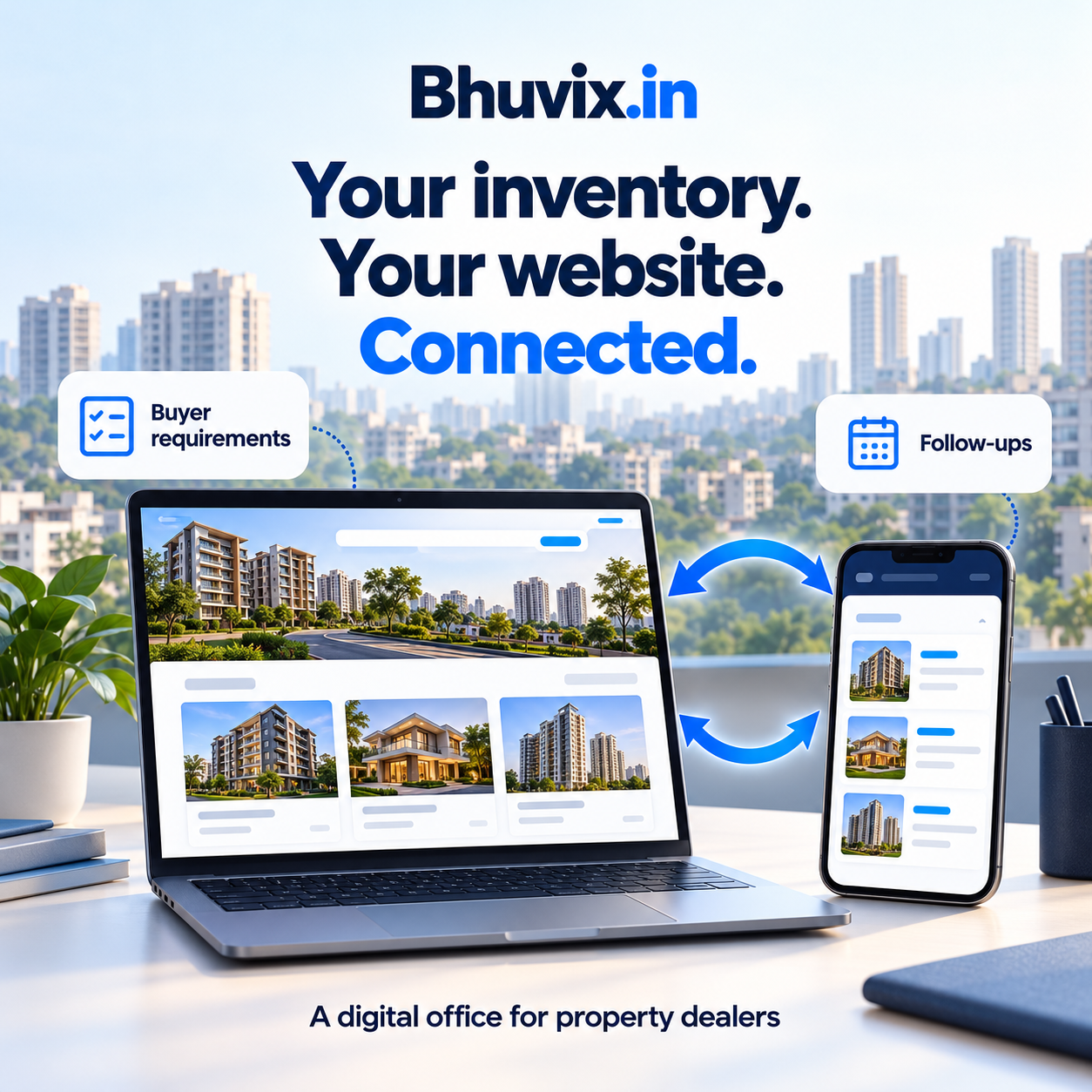
Why Bhuvix.in is the Best All in one solution for Property Dealers in India (2026)
Discover how Bhuvix.in brings your business website, properties, customers, leads, follow-ups, site visits, team and Ask AI together in a digital office for property dealers.
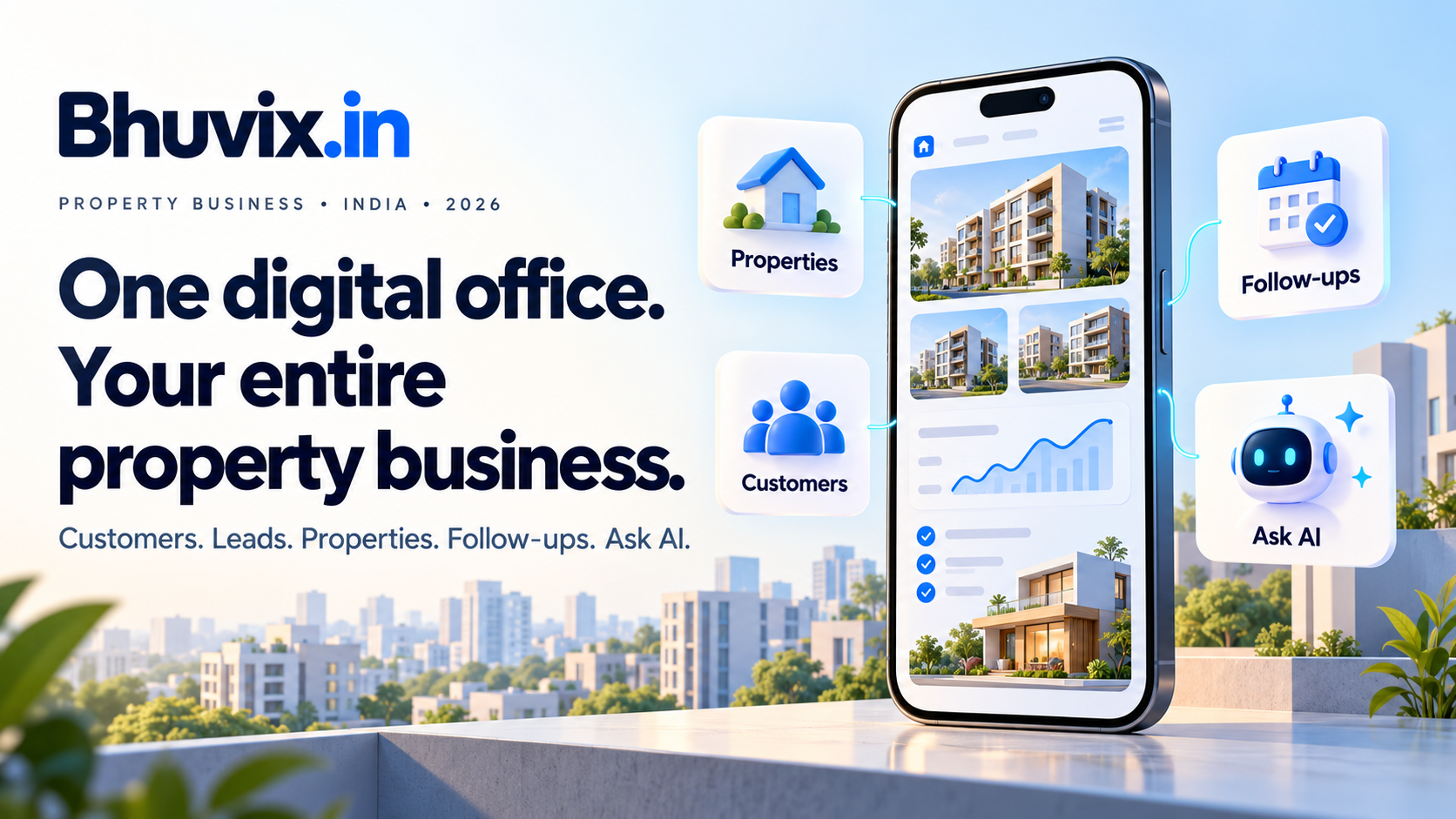
A property dealer's day rarely follows a neat schedule. A buyer asks for options while you are travelling to a site visit. Another customer wants an update on a property you shared last week. A new enquiry arrives, a team member needs the listing details, and someone is waiting for a follow-up call.
Keeping every conversation moving takes more than remembering phone numbers. You need to know what each customer wants, which properties are available and what should happen next.
Bhuvix.in brings these everyday tasks into one place: your digital office in your pocket. It combines a public business website with a private workspace for customers, leads, inventory, buyer requirements, follow-ups, site visits, team activity and business insights.
For dealers looking for the best all-in-one solution for their own working day, the useful question is simple: does it help you stay organised and serve customers better? Here is how Bhuvix.in approaches that job.
1. Give your property business an online home
Your business website helps a new customer understand who you are, where you work and what you offer. With public website access on an eligible plan, Bhuvix.in lets you build that presence using the business details and published properties you manage in your workspace.
Choose a website design, add your business introduction, upload your logo and decide which listings visitors can see. You can also add public questions and answers, supported social links and Google Maps information so customers have useful ways to learn about your business and reach you.
Your public website and private working records serve different purposes. Publishing a property does not make your private customer conversations, internal notes or lead history public.
2. Keep your inventory ready for the next enquiry
A buyer asks, "Do you have anything suitable in this location?" You want to answer with current details rather than search through old photographs and messages.
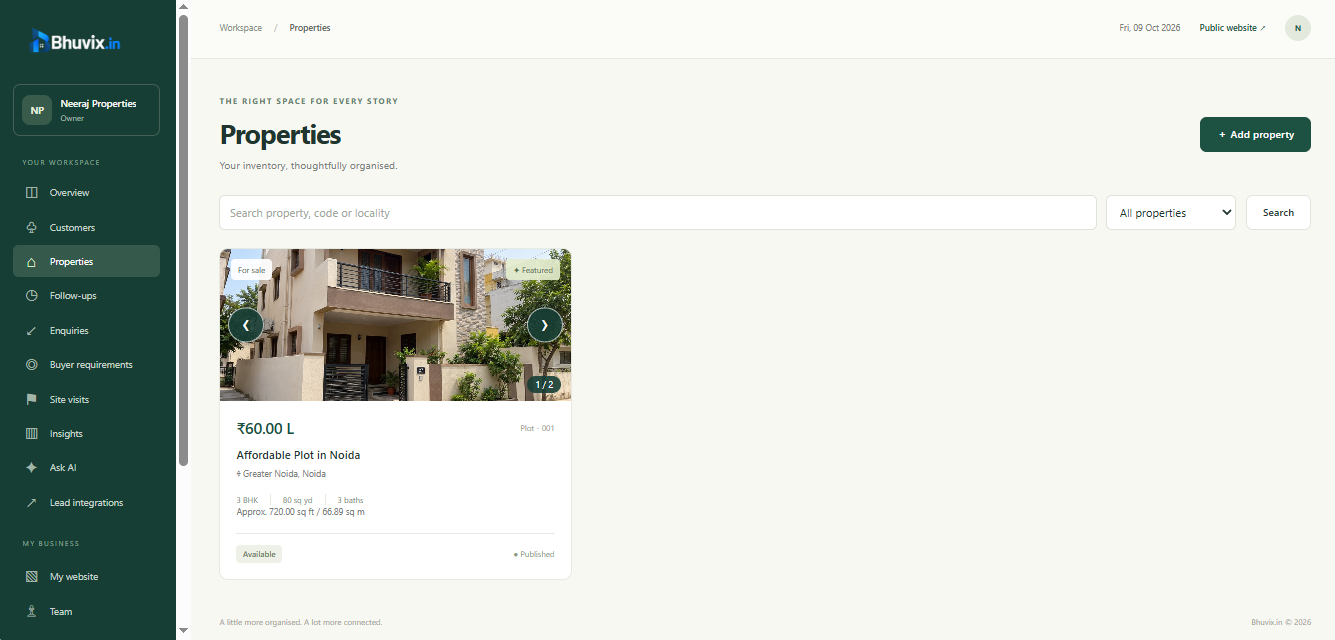
The property workspace keeps listing information together, including location, property type, price, area, photos and availability. You can update your inventory and choose which properties are published on your business website.
Selected properties can also be shared as a shortlist. This gives a conversation a clearer starting point: a customer can review the options you intended to share, and you can plan the next discussion around them.
3. Remember the customer and the conversation
The same customer may enquire about several properties over time. Their budget may change, a family preference may emerge, or a site visit may reveal a new requirement.
Bhuvix.in brings customer details, enquiries, discussions, activity and next steps together. Instead of relying entirely on memory, you can return to the context of an earlier conversation and see where the customer stands in your pipeline.
This is useful whether you work alone or with a team. Customer search helps you find the right record, while a validated import workflow helps when moving existing information from a supported file.
4. Give every lead a clear next step
Receiving an enquiry is the beginning of the work. Someone needs to review it, understand the requirement and follow up at the right time.
The lead and enquiry workflow connects incoming interest to customers and buyer requirements. Team assignments make responsibility clearer, and lead history helps you review what arrived and how it was handled.
Eligible plans also support lead integrations with supported property portals. The dealer obtains a webhook endpoint and authentication details from Bhuvix.in, then configures them with the provider according to that provider's requirements. New deliveries can then enter the workspace through the integration.
These integrations depend on the supported portal, account eligibility and correct configuration. They do not mean Bhuvix.in automatically receives every lead from every property portal.
5. Stay on top of follow-ups and site visits
An interested customer may be ready for a visit tomorrow, while another needs a call next week. A useful workspace makes both commitments visible.
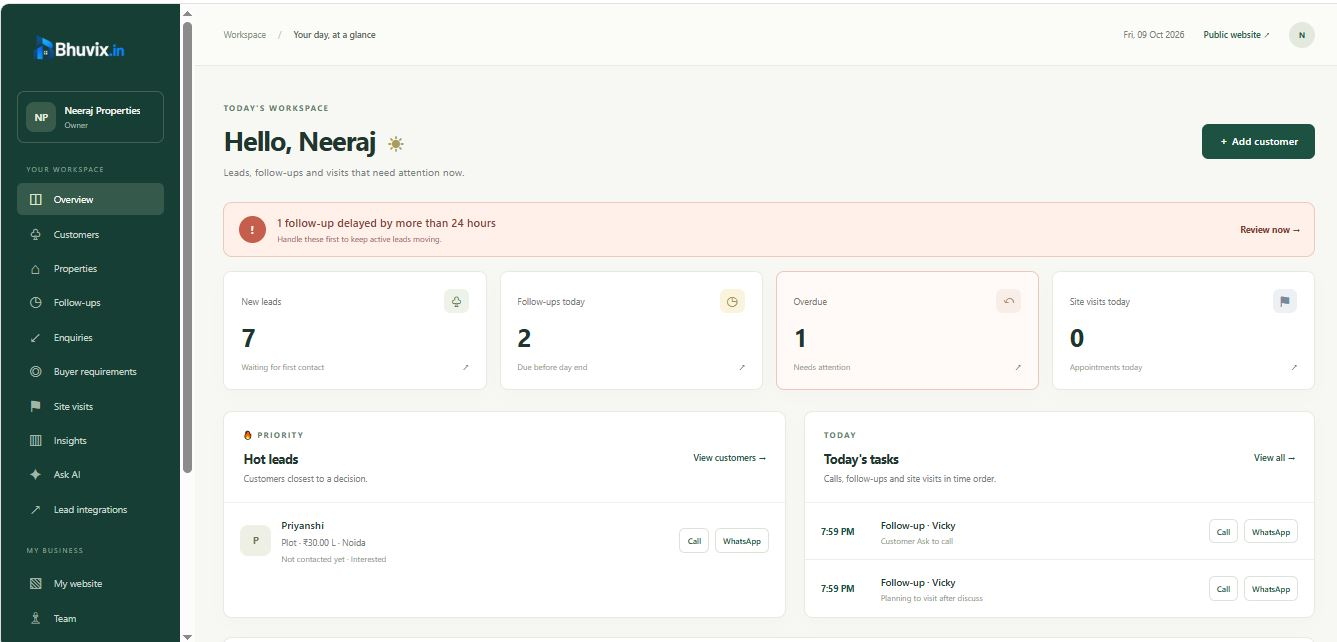
Bhuvix.in lets you schedule follow-ups, review pending and overdue work, reschedule when plans change and record completion. Site visits can be managed alongside the customer's wider enquiry journey.
The dashboard brings attention back to everyday priorities. This helps you begin the day with a practical question: who needs my attention now?
6. Match buyer requirements with your available properties
A buyer may consider a builder floor or a villa, prefer more than one locality and have a flexible upper budget. Capturing those preferences clearly helps you decide which properties to discuss.
Buyer requirements support multiple property types and locations, along with budget, bedrooms, area and other preferences. Matching compares these requirements with the available inventory you are authorised to access.
When an exact match is unavailable, the workspace can show labelled nearby alternatives where the matching rules allow them. A suggestion is a starting point for a conversation; review the property details and confirm the buyer's priorities before arranging a visit.
7. Help your team work from the same picture
As a business grows, knowing who owns the next action becomes increasingly useful.
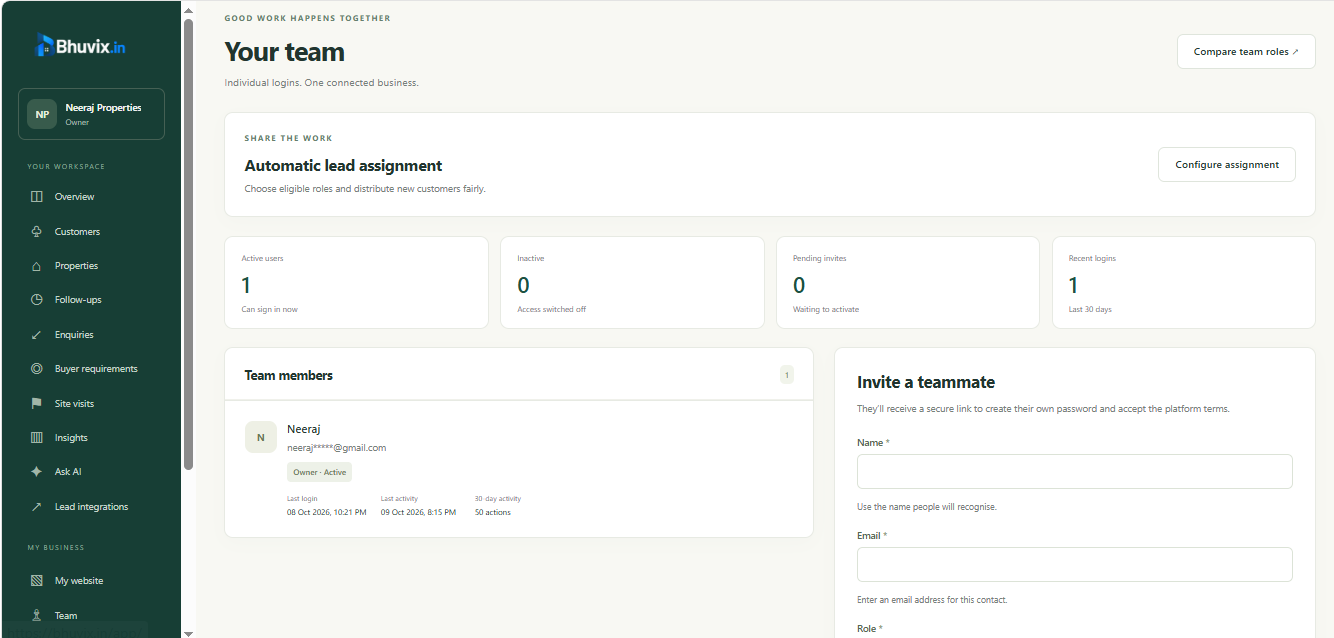
Team management provides separate logins and roles so access can follow each person's responsibilities. You can review activity, assign work and manually reassign a lead when priorities change.
Automatic assignment can use round robin or least lead count for the eligible roles you select, when configured and your team meets the feature requirements. This gives new leads a consistent route into the team's working day.
8. Understand your business with insights and Ask AI
Business insights help you review enquiry sources, pipeline movement, follow-up progress and other indicators. An eligible export option provides an Excel dashboard for further review.
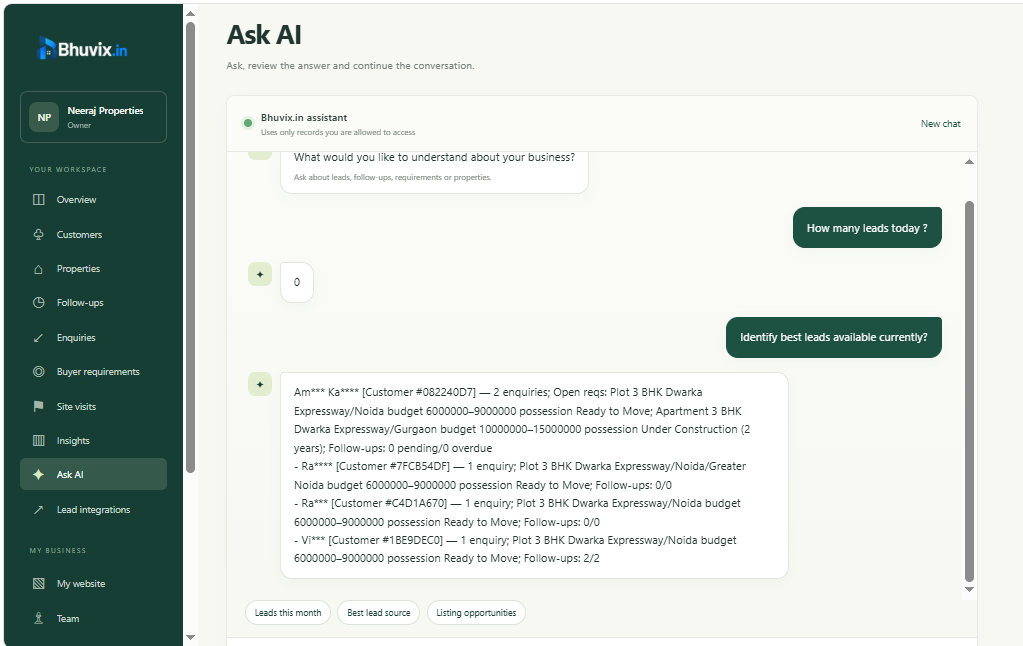
Ask AI gives you another way to explore authorised business information. For example, you can ask about recent enquiries, follow-ups or available inventory without manually opening every relevant list.
Supported AI access depends on your plan and provider configuration. Customer context is subject to privacy controls, and AI answers can contain mistakes. Use the assistant to support your review, and check important decisions against the underlying records.
What a more organised day can look like
- Start with the dashboard. Review pending work and customers who need attention.
- Review new enquiries. Check the requirement and confirm who is responsible for the next action.
- Find suitable properties. Update the buyer's preferences, review matches and share a shortlist.
- Plan the next conversation. Schedule a follow-up or site visit rather than relying on memory.
- Close the loop. Record the outcome and use insights to review progress.
The aim is a working day with more useful context and clearer next steps, wherever you are working.
Frequently asked questions
What is Bhuvix.in?
Bhuvix.in is a digital office for property dealers. It brings a business website and private tools for customers, leads, properties, requirements, follow-ups, site visits, teams and insights into one platform.
Can I manage my property business from my phone?
The website and workspace are designed for mobile and desktop browsers. You can review your records and update your work while moving between conversations and visits, subject to internet access.
Do I get a public website for my business?
Public website access is available on eligible plans. You can configure your business presentation and publish selected properties using the existing workspace data. Check your plan for the website and subdomain features included.
Can Bhuvix.in help with lead assignment?
Yes. You can assign or reassign work manually. When automatic assignment is enabled and its team requirements are met, eligible members can receive new leads through your selected round robin or least lead count configuration.
Can I receive leads from property portals?
Supported portal integrations use authenticated webhooks on eligible plans. You configure the endpoint and authentication details supplied by Bhuvix.in with the respective provider. Availability depends on the provider and your account configuration.
Will visitors see my private customer data?
Public website content is separate from private workspace records. Visitors see the business information and listings you publish; private customer records, discussions and internal lead information are not public website content.
How can I request a trial or guided walkthrough?
Use the contact page to connect with the platform owner. You can ask about a trial, discuss your team's workflow and get help choosing a suitable plan.
See whether Bhuvix.in fits your working day
The best solution for your business should fit the way you actually work: your inventory, customers, team and follow-up routine. Bhuvix.in brings these connected tasks into a digital office designed for property dealers.
See the product tour to explore the screens and workflows, review the plans for current access and limits, or contact our team for a guided walkthrough.
Feature availability, limits, integrations and AI access depend on your selected plan and configuration. Review the current plan details before subscribing.